@RodrigoLima Now, that’s a new twist, that information is new to me.
Means in one single bot you are trying to implement all 8 companies’ information? Huh? and with the same intents?
@RodrigoLima Now, that’s a new twist, that information is new to me.
Means in one single bot you are trying to implement all 8 companies’ information? Huh? and with the same intents?
https://ecfacil.com.br/bot/index5.html
It’s still working. When you initially type 1000 and wait about 30s since the latency is high it will load the cosmetics company
If you type 3000 it loads the clothes.
This is the step I’m trying with initialpayload
I’m still doing the process you sent me, I’ll see if it goes well
Yes, what changes is the access to the database with the initial information. the 3000 will bring all the information to that company, from the bot name to what category, subcategory the person wants. The rest of the process is the same
@RodrigoLima I belive you can figure it out that database issue as I not implemented such scenario.
The database scenario is all done, the whole process already has it. What you really need is the initial for it to work 100%. Hahahaha But I’m looking for other possibilities.
@RodrigoLima Language issue for me, is that you running rasa action server at the backend? what you expecting rather then this None?
The whole process is correct, however this widget returns a None in each bot response. In other widgets this does not happen.
@RodrigoLima have not seen your code and even language issue for me  Just check the stories for the this process while user click and which message should be displayed.
ok.
Sorry to bother you but do you know of an example like this: using intent - ententy and value as soon as the bot loads

These examples are at: GitHub - botfront/rasa-webchat: A feature-rich chat widget for Rasa and Botfront
@nik202 Hey! This actually worked for me. How can I do the same on the server instead of on my local machine? I tried docker on the server but it is conflicting with my frontend apache server on ports 443 and 80. Changing in port results in no outputs. If I stop the apache server it works but starting the apache server again requires docker to be down.
Currently, I’m using ngrok method but if my local system goes down the working of the bot also stops. So please help me with something.
@Shakirsadiq6 can you share some information.
Good Luck!
@Shakirsadiq6 Alright, can you share some files for my ref? It’s really hard for me to suggest Apache Server. Does the server have live IP? What is your front end? Which language.
@nik202 Sure. The server sure does have a live IP. The frontend which I’m using is this bot GitHub - JiteshGaikwad/Chatbot-Widget. I cannot change it with the bot front because I’ve already completed my frontend customization.
What I have is this bot from GitHub and I have customized it. Also I have created Python VM. I have installed apache2 as Web Server with welcome html page.
Hello, I have the same problem that I cannot deploy my chatbot with ngrok, how did they make it work? I’ve been wanting to deploy it for several days but I haven’t been able to.
Any help is welcome 
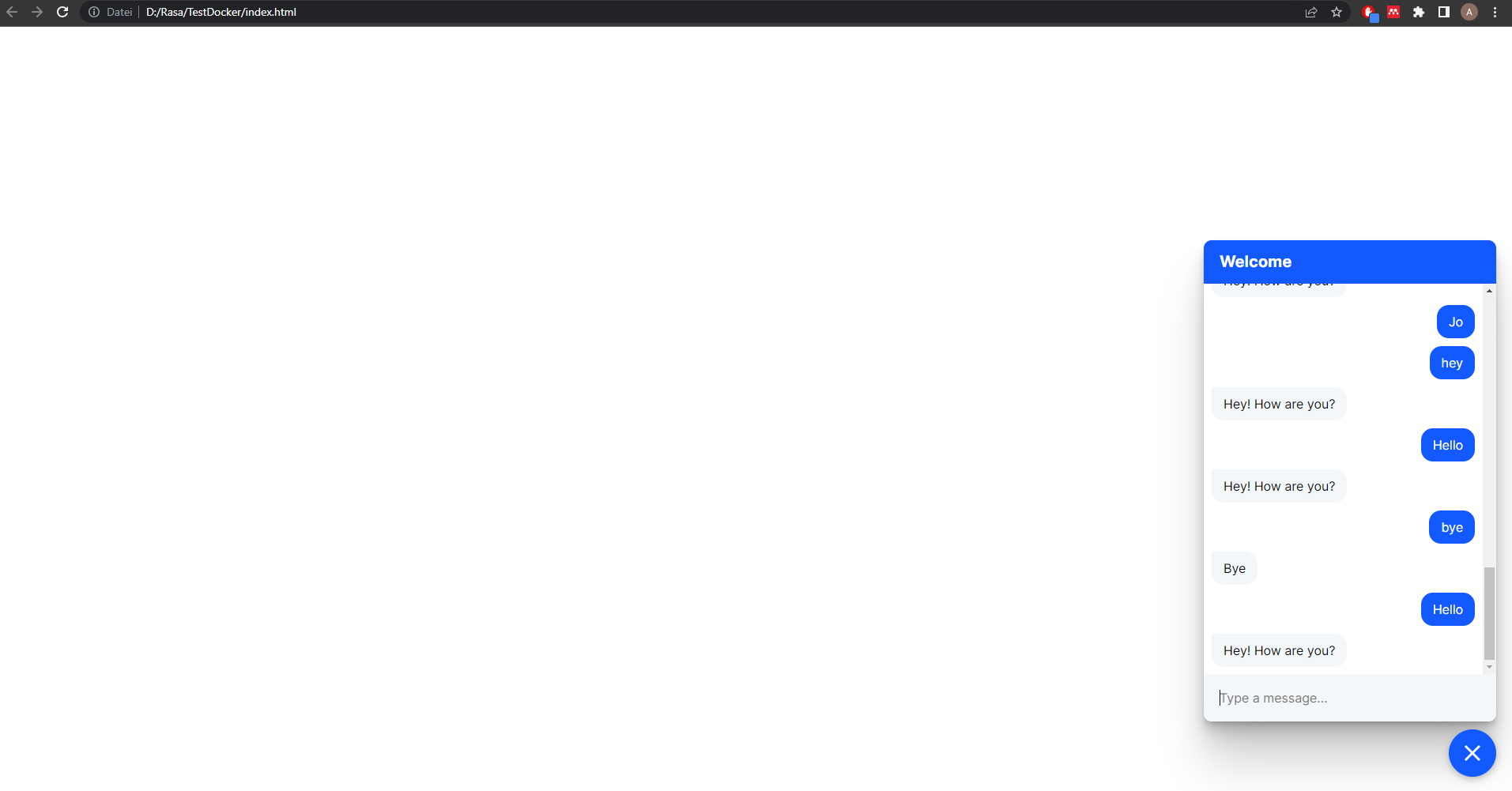
Hey guys im facing a similar problem. I followed the instructions from @nik202 and I’m trying to deploy my bot with he help of ngrok. I set up everything and I can access the webpace by clicking manually on my index.html file.
However I cant access the webpage when I follow the ngrok URL wich point to my localhost:
If I open that link I cant see the chat widget and this comes up:
Can anyone help me why I cant access the chat widget trough the ngrok URL ?
@nik202 can you maybe give me some hints ?
Thank you!