# How to make rasa webchat work with nginx and https
**URL:** https://forum.rasa.com/t/how-to-make-rasa-webchat-work-with-nginx-and-https/60277
**Category:** Rasa Open Source
**Created:** [November 20, 2023, 11:45am UTC](https://forum.rasa.com/t/how-to-make-rasa-webchat-work-with-nginx-and-https/60277 "2023-11-20T11:45:55Z")
**Posts on this page:** 2
**Page:** 1
### Author:  [@yazhini\_23](https://forum.rasa.com/u/yazhini_23)
#### Post date: [November 20, 2023, 11:45am UTC](https://forum.rasa.com/t/how-to-make-rasa-webchat-work-with-nginx-and-https/60277/1 "2023-11-20T11:45:55Z")
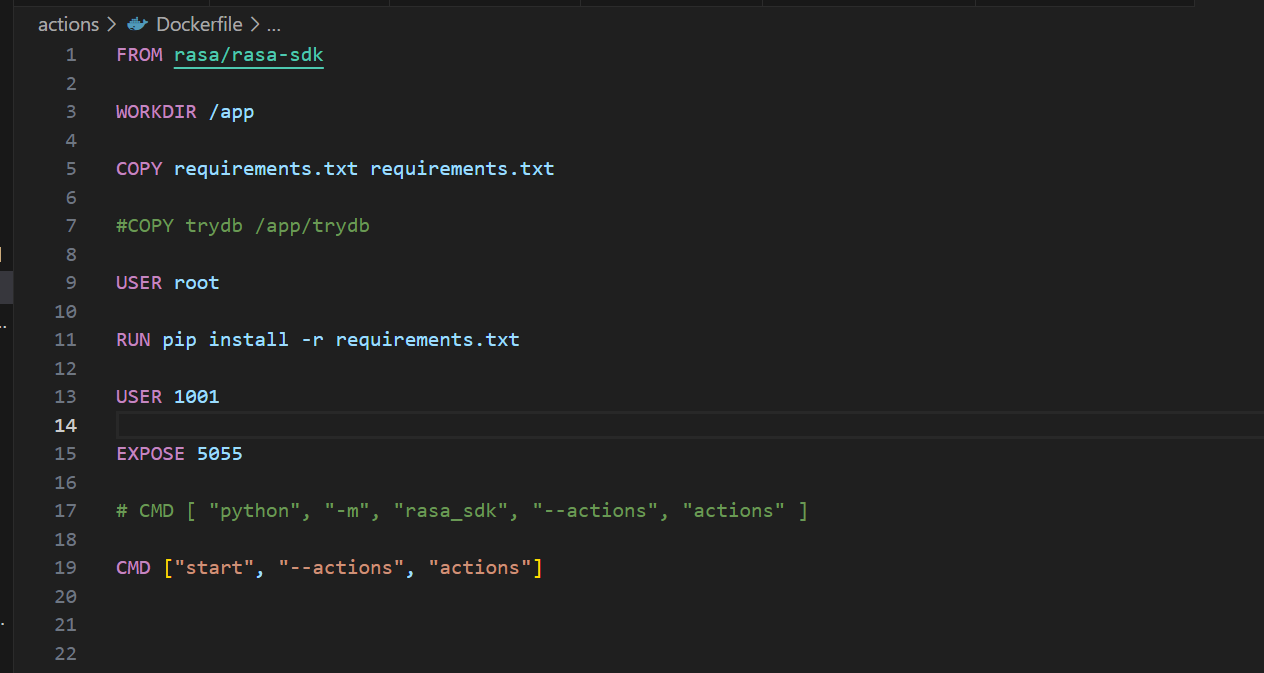
Hi, When I connect my Rasa chatbot to MS Teams through ngrok, it functions perfectly. However, when I switch to using nginx, although the rasa chat widget works well, it fails to appear over HTTPS. Consequently, I’m unable to integrate it with Teams.



---
### Author:  [@Grace99](https://forum.rasa.com/u/Grace99)
#### Post date: [May 8, 2025, 10:00am UTC](https://forum.rasa.com/t/how-to-make-rasa-webchat-work-with-nginx-and-https/60277/2 "2025-05-08T10:00:03Z")
To make **Rasa Webchat** work with **NGINX** and **HTTPS** , you need to configure several parts correctly:
### Steps Overview:
1. **Set up your Rasa server**
2. **Enable CORS and set credentials in `endpoints.yml`**
3. **Serve your webchat widget**
4. **Use HTTPS with a domain (via NGINX + SSL certificate)**
5. **Configure NGINX properly**
6. Rasa Server Configuration
Edit your `endpoints.yml` to allow connections from your frontend (e.g., your domain):
```yaml
cors:
origin: "https://yourdomain.com"
```
Ensure `credentials.yml` has the REST channel enabled:
```yaml
rest:
```
* * *
1. Use Rasa Webchat
Serve the widget in your HTML:
```html
```
Change `socketUrl` to your secure Rasa server URL.
* * *
1. Set Up HTTPS with NGINX
Example NGINX config with SSL:
Install SSL, then use a config like this:
```nginx
server {
listen 80;
server_name yourdomain.com;
return 301 https://$host$request_uri;
}
server {
listen 443 ssl;
server_name yourdomain.com;
ssl_certificate /etc/letsencrypt/live/yourdomain.com/fullchain.pem;
ssl_certificate_key /etc/letsencrypt/live/yourdomain.com/privkey.pem;
location / {
proxy_pass http://localhost:5005; # Rasa running locally
proxy_http_version 1.1;
proxy_set_header Upgrade $http_upgrade;
proxy_set_header Connection "upgrade";
proxy_set_header Host $host;
}
}
```
Make sure Rasa is running with `--cors "*" --enable-api`.
* * *
You can refer this guide for detailed information : [install SSL Certificate on NGINX](https://www.ssl2buy.com/wiki/how-to-install-ssl-certificate-on-nginx-server)
Run Rasa server securely
```bash
rasa run --enable-api --cors "*" --debug
```
* * *
Test the Setup
1. Visit `https://yourdomain.com` in your browser.
2. Check if the Rasa Webchat widget loads and can chat with the bot.
* * *
Hope its clear now.